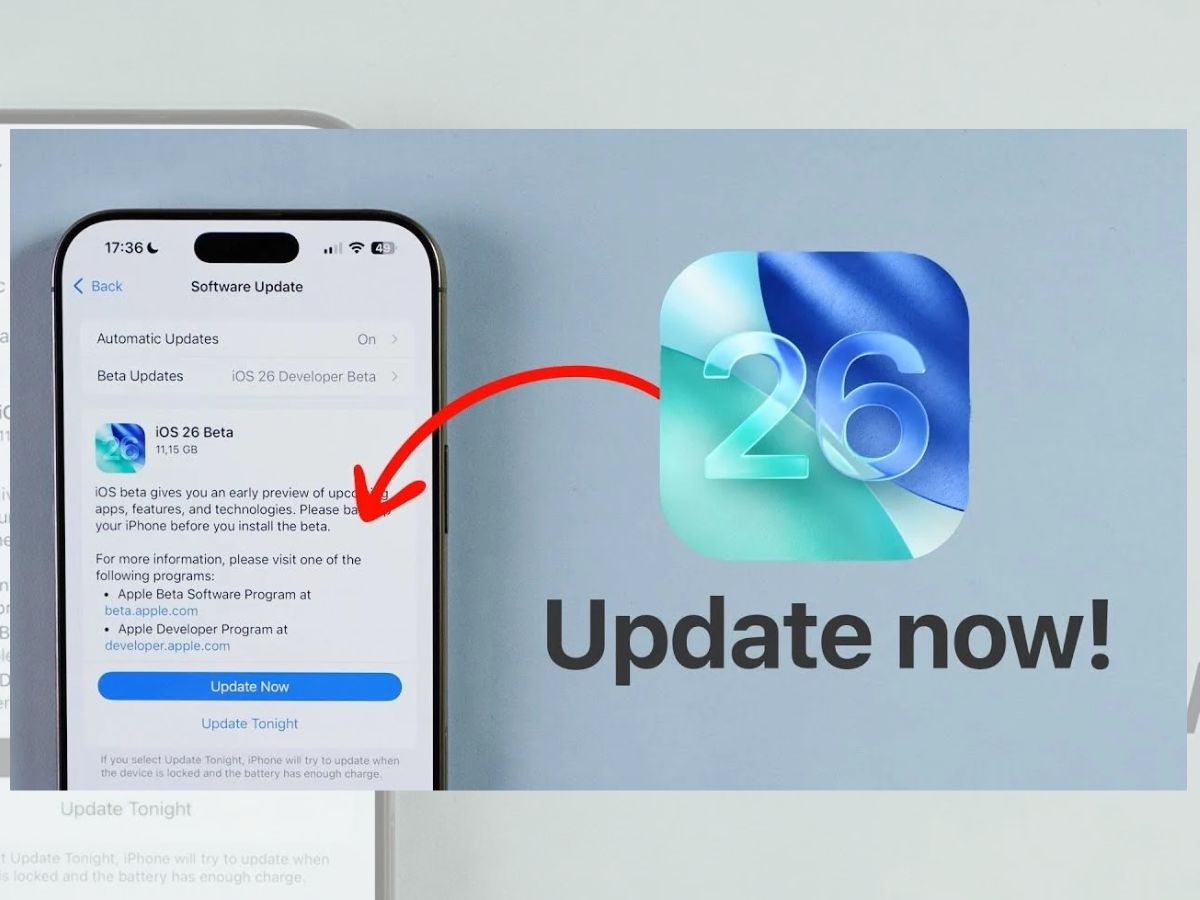
Apple has rolled out iOS 26 to iPhones worldwide. The update began on Monday night (September 15). Millions of iPhone users can now download the new software. At WWDC 2025, Apple first showed iOS 26, which has new Apple Intelligence features and a new design. These seek to improve the intelligence and usability of iPhones.
The biggest change is the Liquid Glass UI, inspired by Apple’s visionOS. The design has a translucent, glass-like look. Apple says it makes the iPhone feel more lively and fun to use.
Apple iOS 26: Intelligence in Apps
iOS 26 adds Apple Intelligence to key apps like Messages, FaceTime, and Phone. A major feature is live translation, which works directly on the device. It does not need cloud servers.
At launch, live translation supports nine languages, including English (US & UK), Spanish, German, Chinese, French, Italian, and Korean. Apple plans to add more languages later.
ALSO READ: Google Gemini Veo 2: How to Create AI Videos in Seconds? (Prompt Inside)
Apple iOS 26: Visual Intelligence
Another big feature is highlight to search. Users can select text or content on a website and instantly get summaries. They can also create events directly in their calendar.
This is similar to Google’s Circle to Search, powered by Gemini AI, on Android phones. Apple is now competing directly with Android in AI features.
Apple iPhones That Support iOS 26
The following iPhones can download the new update:
- iPhone 16 series: 16e, 16, 16 Plus, 16 Pro, 16 Pro Max
- iPhone 15 series: 15, 15 Plus, 15 Pro, 15 Pro Max
- iPhone 14 series: 14, 14 Plus, 14 Pro, 14 Pro Max
- iPhone 13 series: 13, 13 mini, 13 Pro, 13 Pro Max
- iPhone 12 series: 12, 12 mini, 12 Pro, 12 Pro Max
- iPhone 11 series: 11, 11 Pro, 11 Pro Max
- iPhone SE (2nd gen)
ALSO READ: How to Create ‘Hug My Younger Self’ Photos With Gemini AI: Step-by-Step Guide (Prompt inside)
Apple iOS 26: How to Install iOS 26? | Step-by-Step Guide
Over-The-Air (OTA) Update
- Make sure your iPhone has at least 50% battery and free storage space.
- Go to Settings > General > Software Update.
- Tap Download and Install.
Manual Update via iTunes
- Back up your iPhone with iCloud or iTunes.
- Update your PC with the latest iTunes version.
- Open iTunes and connect your iPhone.
- Select your device in iTunes.
- Tap Check for Update or Restore for a clean install.
- Click Download and Update and agree to the terms.
- Enter your passcode if asked.
ALSO READ: How to Create an Image on Grok: Step-by-Step Guide with Best Prompts
Apple vs. Android in the AI Race
The launch of iOS 26 shows Apple is ready to compete with Google and Samsung in the AI space. With features like highlight to search, Apple is making sure iPhone users get the same AI convenience seen on Android.
Experts say iOS 26 is Apple’s biggest step in bringing offline, privacy-focused AI tools to iPhones.
ALSO READ: What Are the Best Alternatives to Nano Banana AI for 3D Figurines? | Check