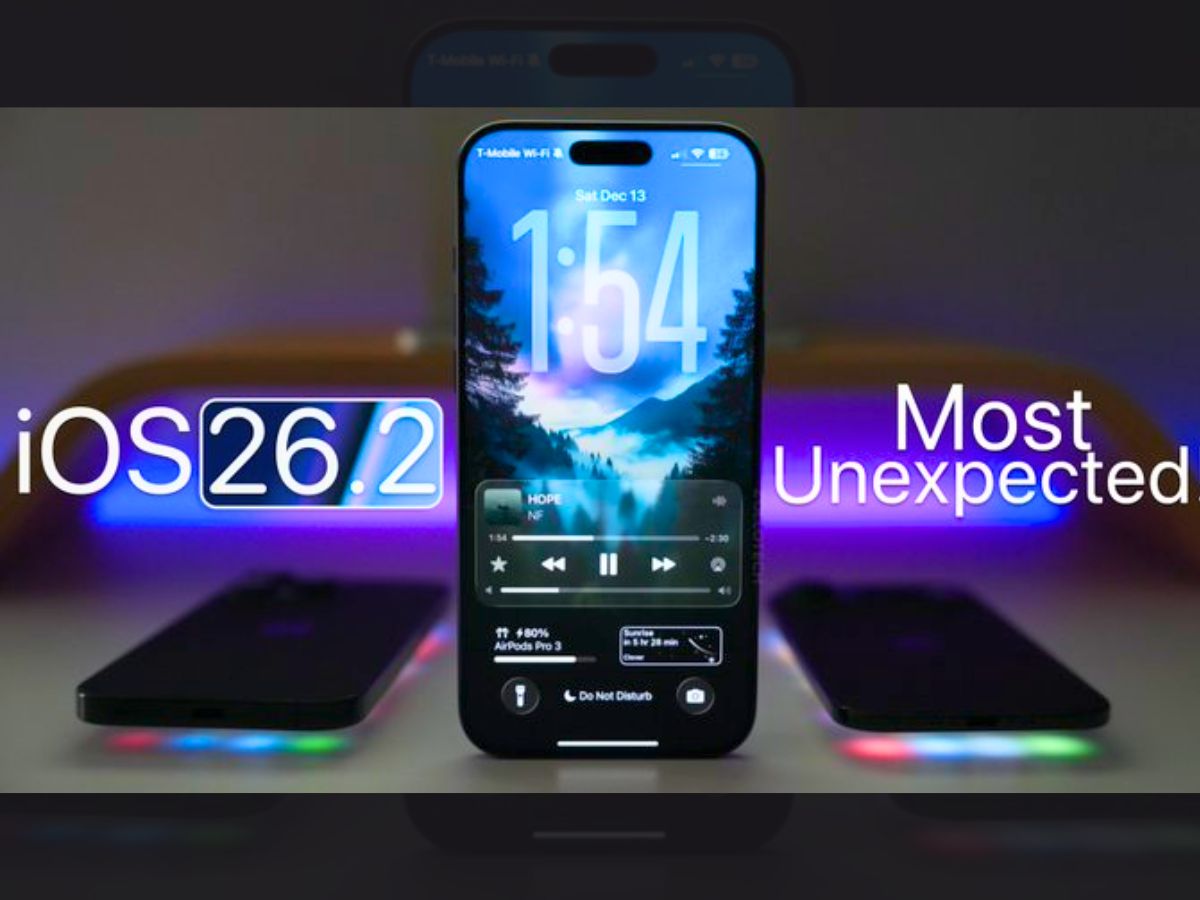
Apple has officially released iOS 26.2, the latest software update for iPhones. The new version offers design tweaks, helpful features and important security fixes. It is available now for compatible iPhone models. The update is packed with changes that improve usability, music, podcasts, safety and customization. iPhone users should install the update soon for the best experience and protection.
How to Update to iOS 26.2?
The iOS 26.2 update is available for iPhone 11 and newer models. Before you update, make sure your battery is charged, or your device is plugged in and connected to Wi-Fi. To install the update:
- Open the Settings app.
- Tap General.
- Select Software Update.
- If iOS 26.2 appears, tap Download and Install.
- Once downloaded, your iPhone will restart to complete the installation.
iOS 26.2: Liquid Glass Design Gets Control Slider
One of the most talked-about changes in iOS 26 was the Liquid Glass design. Some users found the effect less readable. In iOS 26.2, Apple adds a slider to adjust the transparency of the lock screen clock and elements. You can make the interface more solid and easier to read, or keep the translucent look.
This tweak lets users find a balance between style and readability. It shows Apple is listening to user feedback since the initial Liquid Glass rollout.
iOS 26.2: Offline Lyrics & Apple Music Feature
Music fans get a welcome addition: offline lyrics. If you download songs to your device, the lyrics stay available even without internet access. Apple Music also surfaces a “Favourite Songs” playlist that collects your most-played tracks automatically.
iOS 26.2: Podcasts & Media Improvements
The Podcasts app now generates chapter markers automatically. This makes it easier to skip to the parts you want. When a host mentions another show, the transcript shows a tappable link to that show. These enhancements simplify browsing and navigating long episodes.
Gaming and Controller Support
iOS 26.2 adds library filters so you can sort games by category and size. It also improves support for popular controllers like Backbone and Razer. These changes help mobile gamers find and play titles more easily.
Safety and Emergency Features
Apple has expanded Enhanced Safety Alerts for users in the U.S. These alerts include detailed maps and guidance for floods, disasters and other emergencies.
The Reminders app gets an urgent alarm option with snooze support for important tasks. AirDrop sharing now adds a one-time verification code when connecting with strangers. This gives users extra control over who can send files.
Key Security Fixes in iOS 26.2
Apple has patched critical WebKit bugs in iOS 26.2 that “may have been exploited in an extremely sophisticated attack”. These vulnerabilities could allow attackers to access sensitive system components.
The official Apple security notes list several CVE entries showing issues with app permissions and memory handling that are now fixed. Experts advise all users to update quickly to protect their devices and data.
Regional and Accessibility Perks
In Europe, AirPods users can now use Live Translation in nine languages after regulatory delays. In Japan, users can choose to replace Siri with Gemini or Alexa using the side button — a region-specific option driven by local rules.
The update also offers improvements to accessibility tools, Home app pairing, and content organization in Freeform.
Why You Should Update?
This update blends practical fixes and new features. Users get more control over design, better safety tools, enhanced media experiences, and important security patches. Even if you don’t use all the new features, installing iOS 26.2 can improve device performance and protect you from threats.