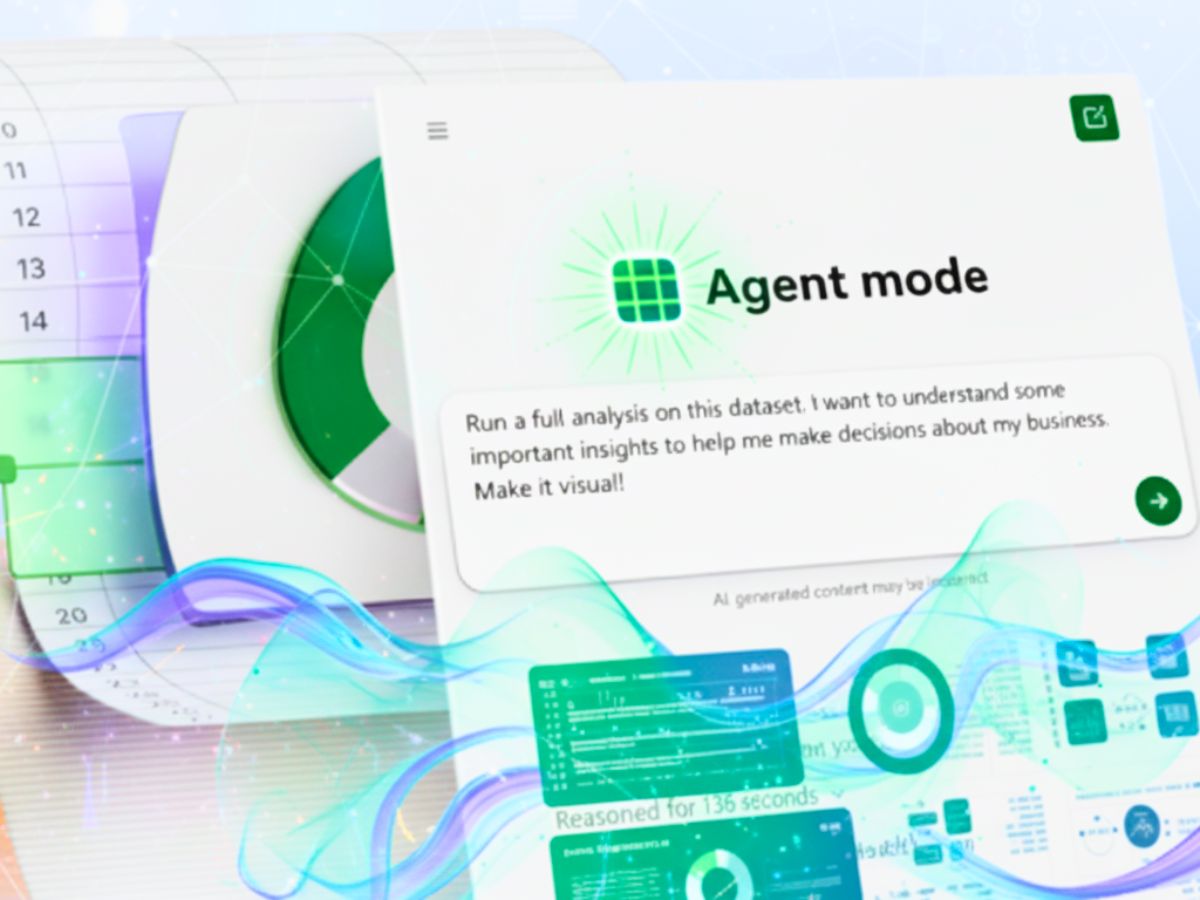
Microsoft CEO Satya Nadella has announced a big productivity upgrade in Microsoft 365 called Agent Mode in Copilot. In a recent post on X, Nadella showed how this AI tool can handle multiple steps in apps like Word, Excel, and PowerPoint. It can turn regular work into automated, AI-powered tasks.
Today we’re bringing vibe working to Microsoft 365 Copilot with Agent Mode in Excel. From household budgets to Fortune 500 P&Ls, it makes expert-level Excel accessible to everyone. Try it now: https://t.co/DdvQ9S2szF pic.twitter.com/SLk3NTCZru
— Microsoft 365 (@Microsoft365) September 29, 2025
Turn Ideas Into Documents & Presentations
Agent Mode can take a short instruction and make a ready-to-use Word document or PowerPoint presentation. For example, if a user types, “create a presentation about the evolution of remote work,” Copilot will collect research, write content, make visuals, and suggest layouts.
Users can also change themes, adjust tone, or highlight key points without leaving the app. Tasks that normally take hours can now be done quickly and easily.
ALSO READ: OnePlus 15 Launch: Date, Colour, DetailMax Camera & More | Details Inside
Excel: Easy Data Analysis
In Excel, Agent Mode makes data work simple. Users can ask Copilot to “analyze sales performance and visualise trends.” The AI checks the data, calculates results, fixes mistakes, and makes charts like line or bar graphs.
It also explains the steps it took. Copilot gives insights like top-selling products, average profit margins, and growth patterns. This makes working with data easier for everyone.
Word: Fast Writing & Editing
In Word, Agent Mode helps users write and edit quickly. It can summarize reports, turn notes into paragraphs, or reword text for clarity. All changes happen directly in the document, so users can keep working without interruptions.
ALSO READ: Oppo Find X9 Series: Expected Specs, Features & Hasselblad Collaboration | Details Inside
Nadella said, “This integration helps users focus on substance and ideas, rather than formatting and structural details.” The AI takes care of the details, letting users focus on creativity.
Making Productivity Easy for Everyone
Satya Nadella explained that the goal is not to replace people, but to help them work better. By automating repetitive steps and handling complex tasks, Copilot helps every Microsoft 365 user become a “superuser,” even without advanced skills.
Although there are questions about using it in large organizations or with big data, the demo shows that AI can make work faster, easier, and more creative.
AI as a Smart Assistant
With Agent Mode, Microsoft 365 is more than just apps. It acts as a smart assistant. It doesn’t just help with writing, analyzing, or presenting. It turns ideas into results, helping users work faster, smarter, and more efficiently.
ALSO READ: Moto X70 Air Expected Launch Date: Ultra-Thin Design & Premium Features Teased
This can save hours every week and improve work quality. Teams can plan, create, and present projects more easily. AI could become an important part of daily work.
What This Means for Users?
Microsoft Copilot’s Agent Mode could change productivity in 2025. From Excel charts to Word documents and PowerPoint slides, users will see AI as a helpful partner, not just a tool. Nadella’s vision shows that AI can make people more creative, better at decision-making, and more efficient in Microsoft 365.
ALSO READ: Canon Officially Ends 1D X Mark III Production, Closes DSLR Chapter | What’s Next?