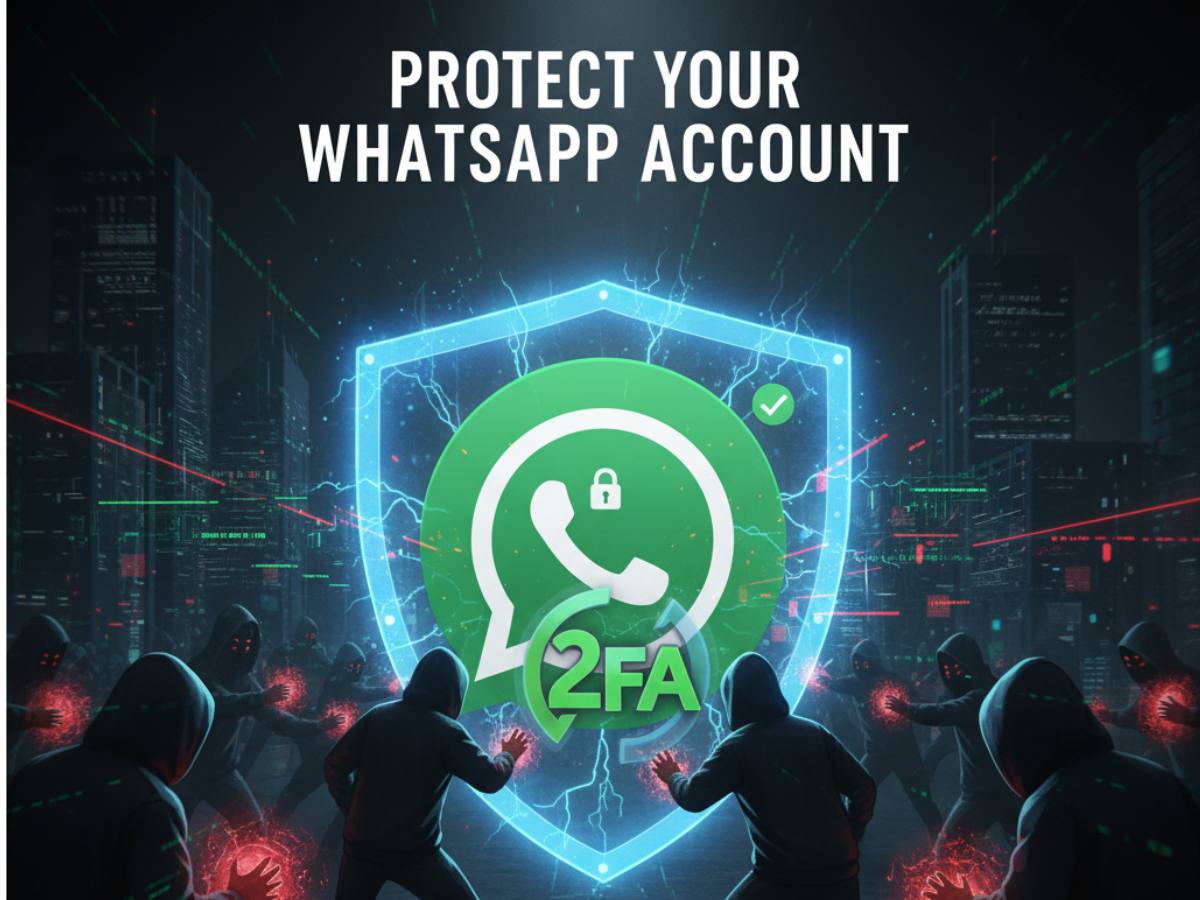
Hacking attempts on WhatsApp users can happen not with standing perfect end-to-end encryption and security features. Cybercriminals are targeting telecom systems, apply social engineering tricks, abuse device flaws and do anything except compromise the app itself to take control of accounts.
This can lead to the stealing of private messages, impersonation scams, extortion and malware distribution. Feeling conscious about these threats is vital as WhatsApp has over 500 million users in India most of whom use it for banking and transactions.
How to Safeguard Your WhatsApp Account?
- SIM Swapping: The scammer impersonates the victim in front of the mobile operator and transferring the victim’s number to a new SIM and intercepts the verification codes are witnessed in major cities of India such as Delhi, Mumbai and Pune.
- Phishing for Verification Codes: Attackers usually contact the victims while impersonating a friend or banks or WhatsApp support to persuade the users to reveal their SMS login codes once they log in, they use the contact information to trick their victim’s friends.
- Call Forwarding Exploitation: Victims are tricked by hackers into placing calls to specific codes to forward WhatsApp verification calls to the hacker.
- QR Code Scams (‘QUISHING’): Fake QR codes trick users into providing hackers access to their WhatsApp Web sessions.
- Malware and Spyware: Includes any malicious software planted on the user’s device that steals WhatsApp information or remotely takes over the phone.
ALSO READ: How to Move Your WhatsApp Chats to Arattai App in Simple Steps | Easy Step-by-Step Guide
To stay secure, always enable two-way verification, set strong PINs for SIM and voicemail, avoid suspicious links, keep applications updated and download WhatsApp only through official channels.
Signs that Suggest Your WhatsApp Account May Have Been Hacked
- The Sudden logout or receiving alerts that your number has been registered on a new device.
- Receiving verification codes you didn’t request.
- Sending messages without your knowledge or being added into groups you have no knowledge of.
- Your friends complain about unusual messages with money request from your account.
- Some devices listed in your Linked Devices section that you do not recognize.
- Messages marked as read when you have not opened them.
ALSO READ: What Is Arattai? India’s Homegrown WhatsApp Alternative Backed by Government
What to Do If Your Account Was Hacked?
- Immediately re-register for WhatsApp using your phone number to log out the intruder.
- Notify your contacts through some other ways regarding this breach.
- Use the in-app support of WhatsApp to report the hack.
- Reach out to your mobile telecom provider in the case of suspected SIM swapping.
- Change passwords and turn on multi-factor authentication on your linked email and cloud accounts.
- Report the case to the cybercrime authority in your region.
How to Remain Secure in the Future?
In addition to responding to hacks, make sure to be proactive: enable two-step verification in the WhatsApp Settings, never open a link that has not been verified, not download anything unofficial and check for Linked Devices often. Make sure to take care of your SIM and voicemail security. Staying alert is still the hackers’ best solution.
ALSO READ: How to Download UIDAI Aadhaar Card on WhatsApp? Step-by-Step Guide
Disclaimer: This article provides general advice on WhatsApp security and does not guarantee full protection. Always follow official guidelines and updates.