
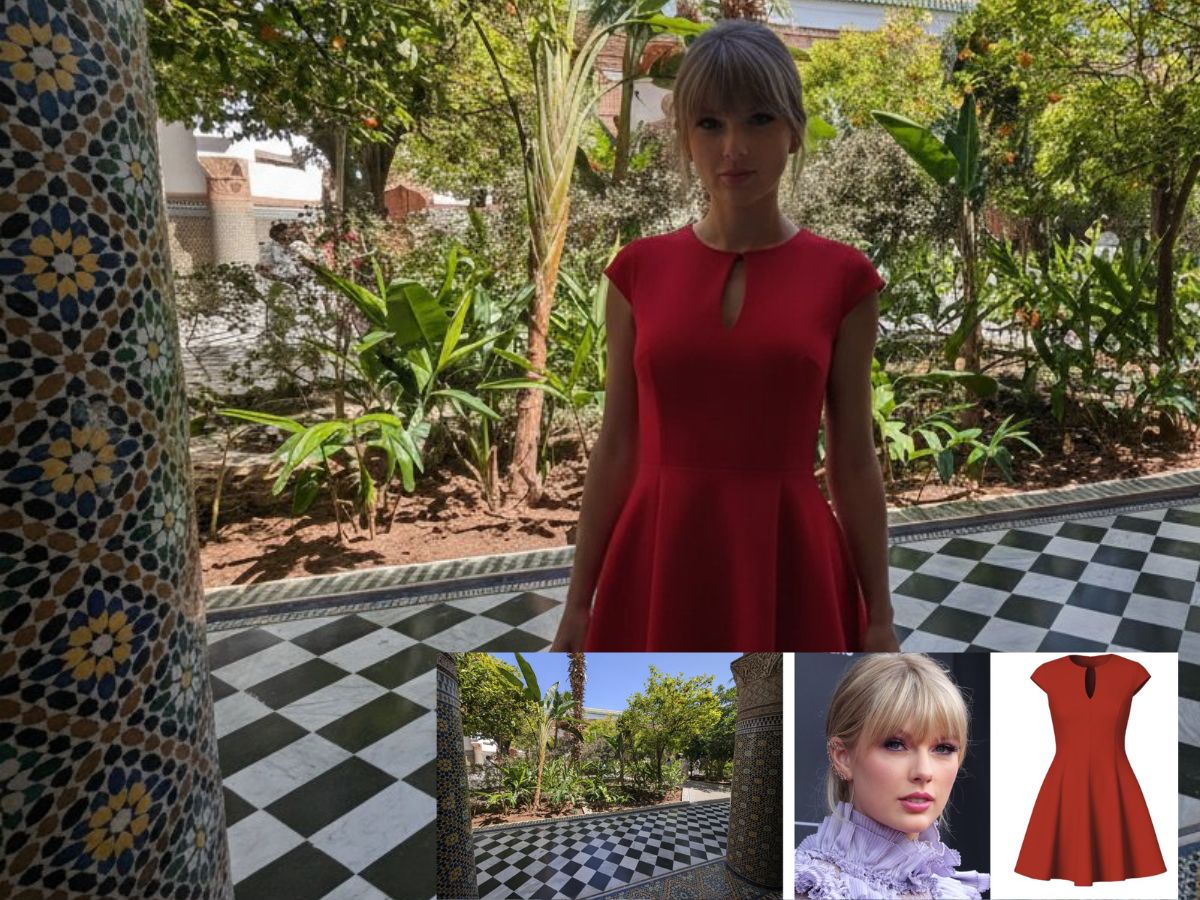
The latest AI trend that has captured the attention of social media users, especially youth, is Google’s Nano Banana, a feature within the Gemini 2.5 Flash Image model. This tool allows users to transform a simple photo into a hyper-realistic 3D figurine, complete with detailed textures and lifelike poses. Whether it’s a selfie, a pet, or a favorite character, Nano Banana can render it into a miniature collectible-style figure.
What Is Nano Banana?
Nano Banana is an AI-powered image generation tool developed by Google. It leverages advanced machine learning algorithms to convert 2D images into 3D models. The process involves analyzing the uploaded photo to detect facial features, pose, and depth, then rendering a 3D figurine that mimics the original image’s details. The result is a miniature figure that appears as though it’s been sculpted and placed on a display base, often accompanied by a toy box or a 3D modeling interface in the background.
How to Create a 3D Figurine Using Nano Banana
Step 1: Access Gemini 2.5 Flash Image
Navigate to the official Google Gemini website or open the Gemini app on your device. Ensure you’re using the Gemini 2.5 Flash Image model, as Nano Banana is integrated within this version.
Step 2: Upload Your Photo
Choose a clear, well-lit photo of yourself, your pet, or any subject you wish to transform. For optimal results, select a full-body shot with the subject facing the camera. Upload this image to the Gemini platform.
Step 3: Input the Prompt
In the prompt section, enter a detailed description to guide the AI in generating the figurine. A commonly used prompt is:
What Is a Prompt?
A prompt is a text instruction or description given to the AI to tell it exactly what to create. In Nano Banana, a prompt guides the AI to generate the 3D figurine with specific details like pose, environment, style, and props. The more detailed the prompt, the more accurate and visually appealing the result.
Example Prompt for Nano Banana
Here’s a commonly used prompt for creating a 3D figurine with Nano Banana:
“Create a 1/7 scale commercialized figurine of the character in the picture, in a realistic style, in a real environment. The figurine is placed on a computer desk. The figurine has a round transparent acrylic base, with no text on the base. The content on the computer screen is a 3D modeling process of this figurine. Next to the computer screen is a toy packaging box, designed in a style reminiscent of high-quality collectible figures, printed with original artwork.”
Using this prompt, the AI can transform any uploaded photo into a detailed and visually stunning 3D figurine.
Step 4: Generate the Image
Click on the “Create” or “Generate” button. Within moments, Nano Banana will process the photo and prompt, producing a 3D figurine image that matches your description.
Step 5: Download and Share
Once the image is generated, you can download it to your device. These images are perfect for sharing on social media platforms like Instagram, Twitter, and Facebook, allowing you to showcase your personalized 3D figurine to friends and followers.
Also Read: Nano Banana Trend: Make Your Own 3D Figurine With This Prompt | Step-by-Step Guide
Tips for Best Results
-
High-Quality Photo: Ensure the photo is of high resolution, well-lit, and clearly shows the subject’s features.
-
Detailed Prompt: The more specific your prompt, the better the AI can render the figurine to your liking.
-
Experiment with Styles: Feel free to modify the prompt to create different styles, such as anime, vintage, or futuristic themes.
Google’s Nano Banana offers a fun and innovative way to create personalized 3D figurines from photos. With its easy-to-use interface and powerful AI capabilities, anyone can craft a miniature version of themselves or their favorite characters. Whether for personal enjoyment or sharing with friends, Nano Banana brings a touch of creativity and technology together in a delightful package.