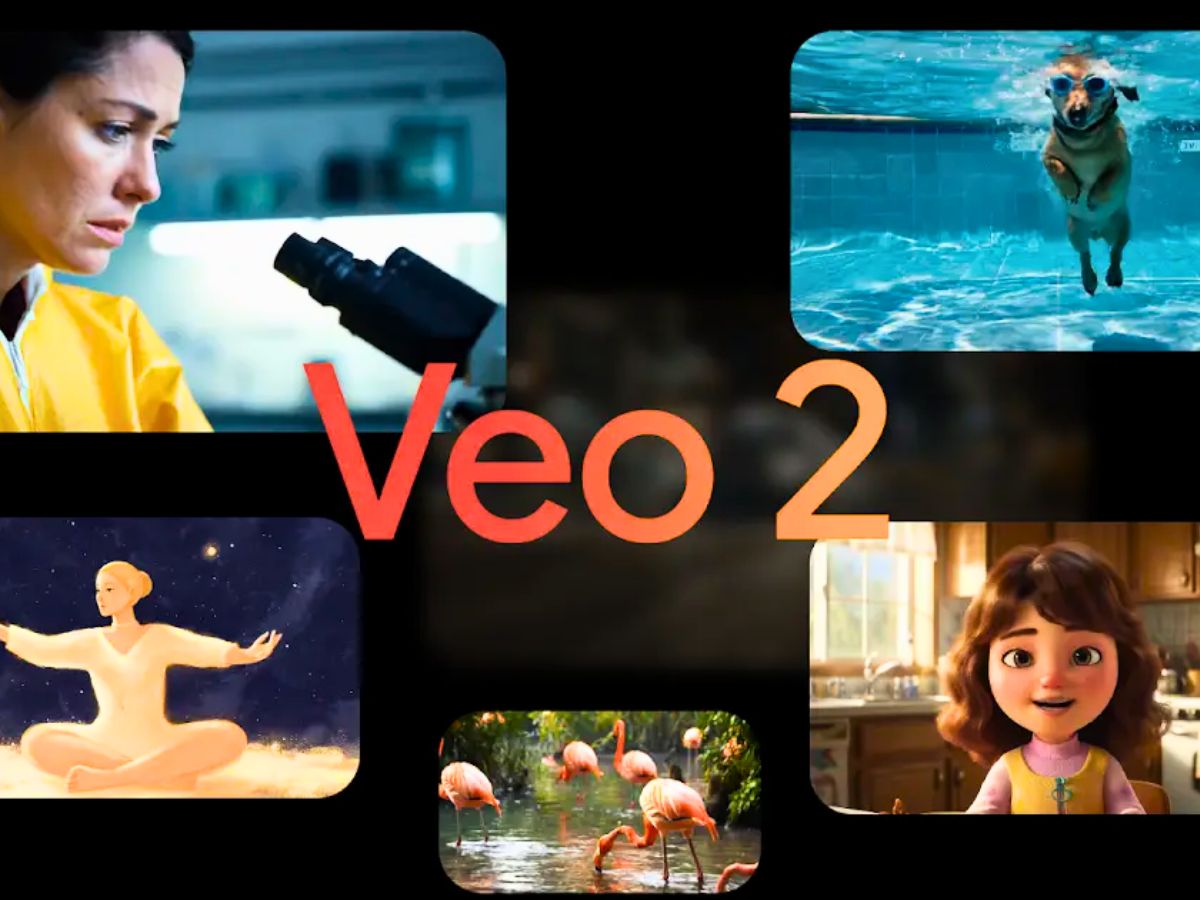
Google’s Gemini AI has been enhanced with Veo 2, a new video generator. With just text or visual cues, users can produce brief, cinematic-quality videos with this program. With this action, Google is directly competing with OpenAI’s Sora Turbo in the race for AI-generated content.
Google Gemini: What is Veo 2?
Veo 2 is the latest version of Google’s AI video generator. It can create eight-second videos at 720p resolution in MP4 format. The videos are delivered in a 16:9 landscape layout. Google says Veo 2 offers “fluid character movement, lifelike scenes and finer visual details” by “better understanding real-world physics and human motion.”
Currently, Veo 2 is available to Gemini Advanced users on the web and mobile. Google One AI Premium subscribers can also access the feature in all supported languages. The rollout began on April 15 (April 16 IST) worldwide.
ALSO READ: World Ozone Day 2025: The Forgotten Story of How the World United for One Cause
Google Gemini Veo 2: How to Use?
Creating AI videos with Veo 2 is simple:
- Select Veo 2 from the model dropdown in Gemini.
- Type your prompt. Be as descriptive as possible. You can write about scenery, fantasy concepts, or short story-style visuals.
- Hit generate. Veo 2 will turn your prompt into an eight-second video.
- Use the share button to post directly on platforms like YouTube Shorts and TikTok.
- Google advises users to write detailed prompts so the model can “bring your ideas to life” with accuracy and style.
Example Prompts Used by Google
Here are some of the sample prompts Google tested with Veo 2:
“Time-lapse of a voxel-style ice cream melting under a clear blue sky…”
“An animated shot of a tiny mouse with oversized glasses…”
“A wide, slow-panning shot of an enormous glacial cavern…”
“Aerial shot of a grassy cliff onto a sandy beach at sunset…”
These examples show Veo 2’s ability to work across fantasy, realism, and stylized animation.
ALSO READ: How to Create ‘Hug My Younger Self’ Photos With Gemini AI: Step-by-Step Guide (Prompt inside)
Concerns About Misuse & Google’s Safeguards
The launch of Veo 2 has also raised concerns around deepfakes and misinformation. Google says it has built safeguards into the model. Every video created with Veo 2 is watermarked frame by frame. The company also uses “red teaming” — testing its systems against potential misuse — to strengthen defences.
Google has promised it will keep improving safety so that AI-generated videos do not violate its content policies.
What Veo 2 Means for Creators & Businesses?
While Veo 2 may look like just a fun, creative tool, it is much more than that. Content creators can make short social media videos quickly and cheaply. Small businesses can create ads without needing a video team. Teachers and designers can show ideas visually in seconds.
ALSO READ: How to Create an Image on Grok: Step-by-Step Guide with Best Prompts