
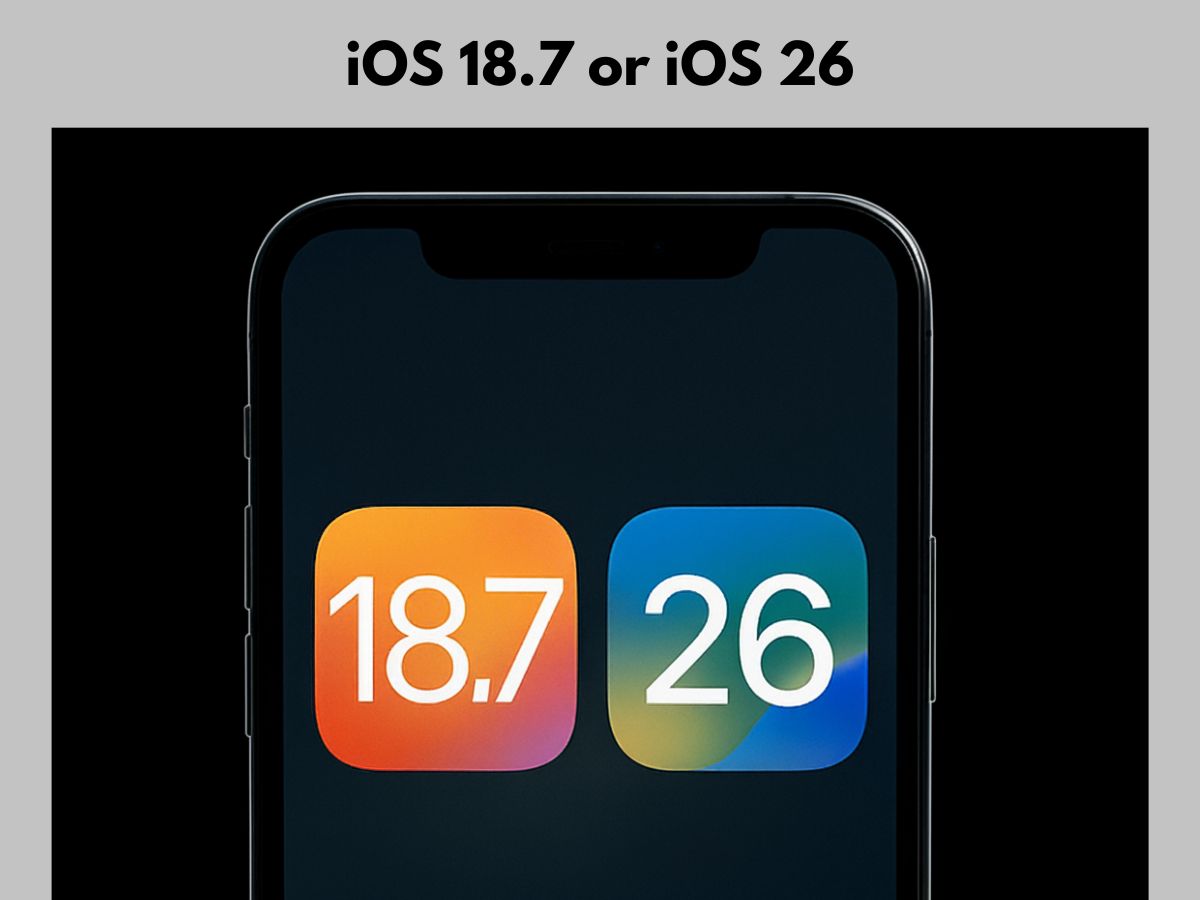
Apple has launched its new mobile software, iOS 26, with a headline feature called Liquid Glass. At the same time, the company has also released iOS 18.7. Users of iPhones now have two options: one with a ton of new capabilities, and the other that is lighter and safer.
Apple Releases Two Updates Together
Apple usually releases one iOS version at a time. This time, it rolled out both iOS 26 and iOS 18.7. The move lets users pick between a bold upgrade or a stable patch. But Apple is not expected to keep both versions for long. The company normally supports the older version for only a few months before pushing everyone to the latest one.
Why iOS 18.7 Might Be Better for Some?
Not everyone likes to jump into major updates right away. That’s where iOS 18.7 helps. The update is much smaller — about one-fifteenth the size of iOS 26. It installs quickly and focuses on bug fixes and security improvements.
ALSO READ: 5 ChatGPT Prompts to Boost Daily Productivity of Teachers
Apple has not yet shared the details of the security fixes. It usually does so later, once most devices have been updated. For now, iOS 18.7 gives users a safer option while Apple works out the early issues in iOS 26.
Which Devices Get the Updates?
iOS 18.7 is available for every iPhone released since 2018. That includes the iPhone Xs, Xs Max, and Xr, as well as the latest iPhone 16 lineup, including the budget-friendly iPhone 16e.
iOS 26 also supports most of these models, but not the three oldest ones. If you own one of those, you will need to stick with iOS 18.7.
Liquid Glass: Big Feature in iOS 26
The star of iOS 26 is Liquid Glass. Apple calls it a game-changing new interface experience. Many iPhone users are eager to try it, but some may want to wait. Big updates often come with small problems, so careful users may choose to hold off until the experience feels smoother.
ALSO READ: How To Upgrade Your iPhone to Latest iOS 26? Step-by-Step Guide
Apple’s Balancing Act: New vs. Safe
By releasing both updates, Apple is balancing two goals. It wants to show off innovation with iOS 26 while also offering iOS 18.7 for users who prefer safety and stability.
For iPhone users, the choice is simple: go for Apple’s most ambitious update or stay with a smaller, stable one. Either way, Apple is unlikely to keep both options open for long.
ALSO READ: Google Gemini Veo 2: How to Create AI Videos in Seconds? (Prompt Inside)