
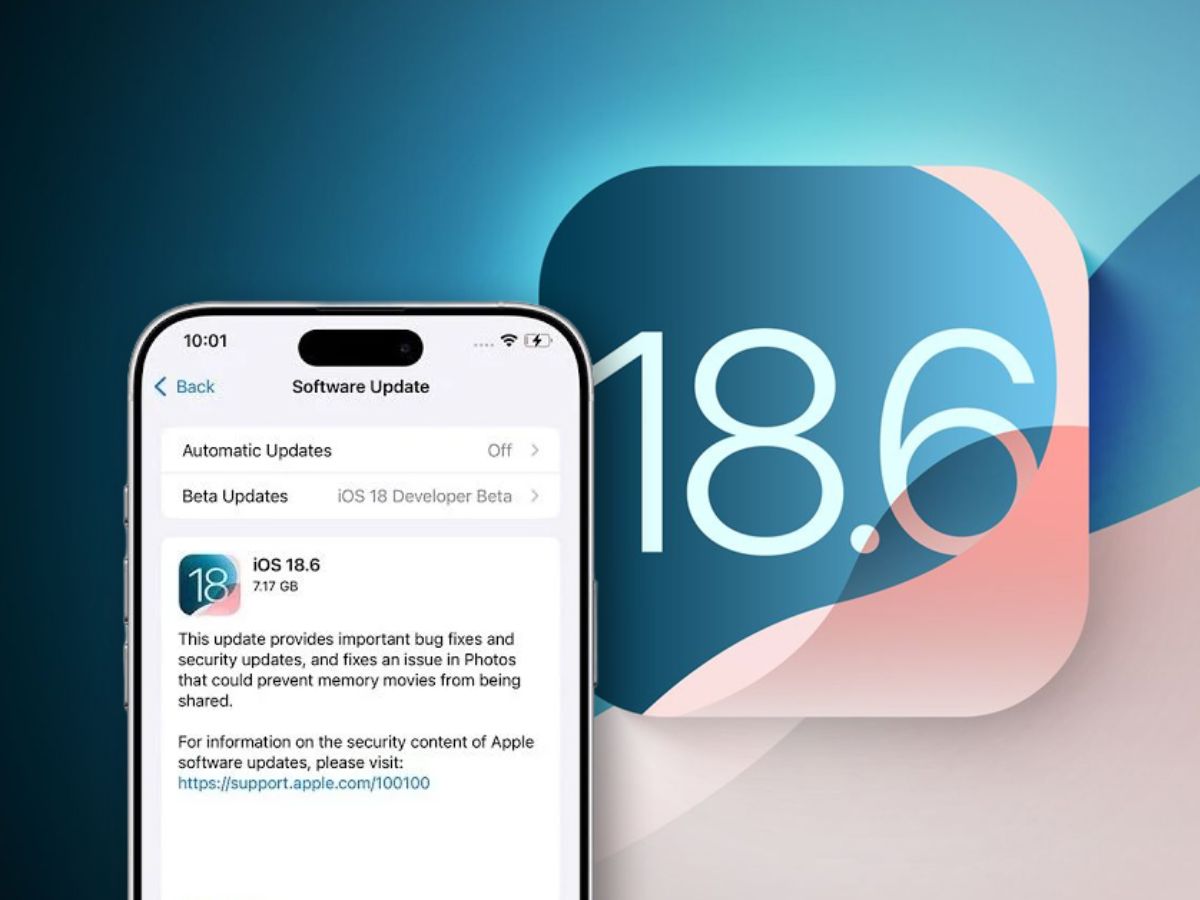
Apple has made iOS 18.6 accessible for iPhones. The update resolves significant issues, improves speed, and strengthens security and installing it will protect users. But this release is not just about fixing issues.
It also gives iPhone owners new tools to personalise, protect, and streamline their devices. With iOS 26 coming next month, this update is the perfect warm-up for the bigger changes ahead.
Mail App Gets More Control
The Mail app now lets users turn off automatic categorisation. iOS 18 introduced folders like Primary, Transactions, Updates, and Promotions. Some users found this useful. Others wanted a simple chronological list. Now, they can switch to “All Mail” or turn off categories completely through the three-dot menu.
Custom Lock Screen and Buttons
Lock screen buttons are no longer fixed to the flashlight and camera. Users can set them to Shazam, Dark Mode, or alarms. Newer iPhones also have a more powerful Action Button. Apps, shortcuts and some actions can now be executed instantly.
Smarter Notifications with Apple Intelligence
The new “Prioritize Notifications” feature sorts alerts by importance. This helps users focus on what matters and reduces unnecessary interruptions.
More Freedom on the Home Screen
App icons can now move freely. This ends the rigid grid layout and allows wallpapers to shine through. Dark Mode now extends to both the home and lock screens.
Control Center Becomes Fully Customisable
Users can resize and rearrange controls. They can even create multiple screens for faster access. This flexibility makes essential functions easier to reach.
Privacy and Security Upgrades
iOS 18 lets users lock sensitive apps. This prevents prying eyes when sharing a phone. Apps can also be hidden in a secure folder that requires authentication.
Smaller but Useful Changes
The Photos app can now stop videos from looping automatically. The Calendar app adds pinch-to-zoom and a multi-day view. The TV app’s new “Enhance Dialogue” feature improves voice clarity while reducing background noise.
Getting Ready for iOS 26
While iOS 18.6 is a solid update on its own, it also acts as a bridge to iOS 26. iOS 18.6 from Apple provides freedom, privacy, and stability. The true advantage of downloading is that it prepares consumers for future advances, even though it is necessary for security reasons alone.
Apple is recommending that users update their settings right away in order to ensure a smoother transition when the next major upgrade is released.