Apple launches new iPhones every year, and many users feel the pressure to upgrade their old ones. The iPhone 17 looks impressive, with features like the iPhone Air and 8x optical zoom on the Pro model. But the truth is, your current iPhone is still very capable.
With a few simple tweaks, cleaning, and accessory upgrades, you can make your phone feel faster, look fresher, and even improve battery life. You don’t have to spend thousands to enjoy a brand-new experience—small changes can make a big difference.
Tips to Make Your Old iPhone Brand New
Refresh Your Home Screen
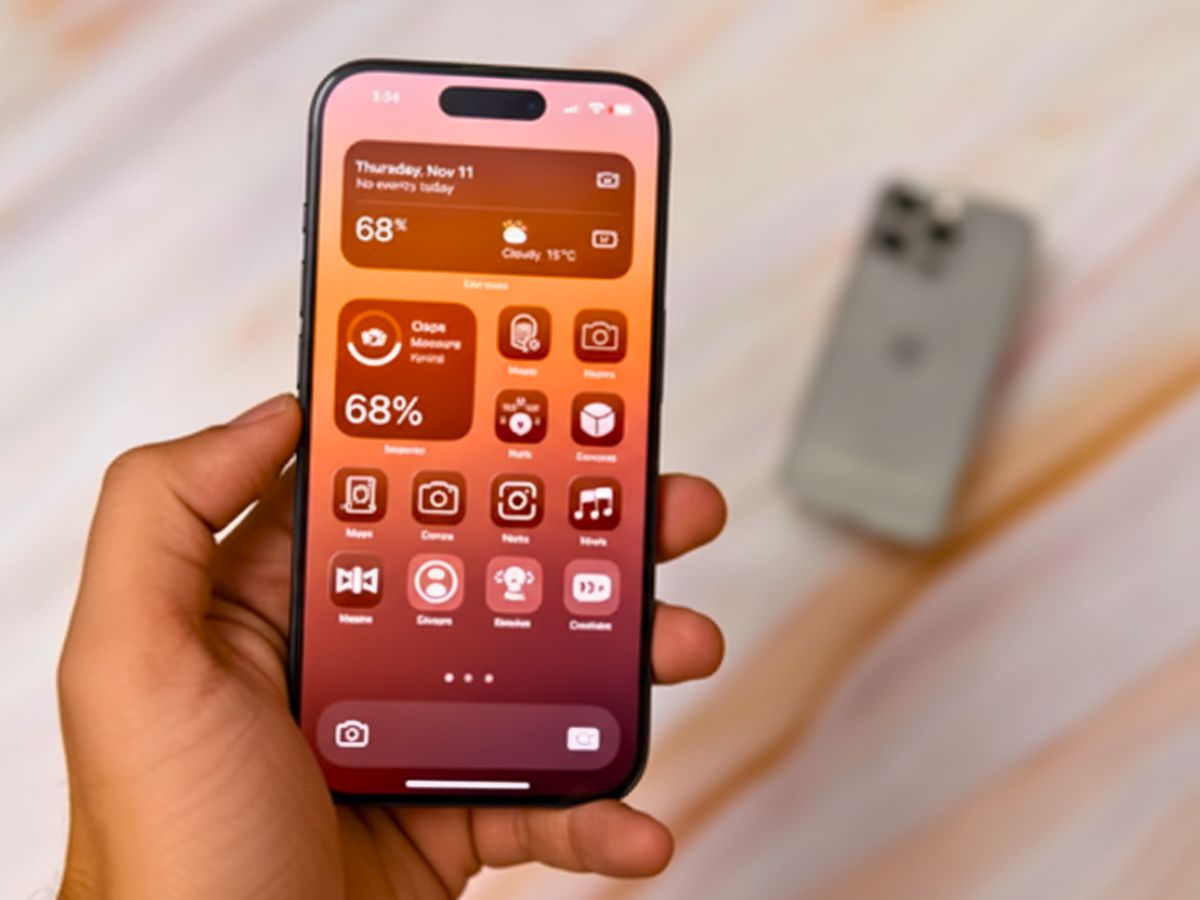
If your iPhone looks the same as last year, change it up. Update your wallpaper, add widgets, or try tinted icons. You can also hide app labels for a cleaner look. iOS updates like Liquid Glass from VisionOS already make your phone feel fresh, but personalising it adds a whole new feel.
ALSO READ: How to Apply for e-Passports in India: Eligibility, Process, Benefits, and Key Details
Adjust Your Settings
A slow phone doesn’t always mean it’s old. Simple tweaks can make it faster. Set Safari to close tabs automatically daily, weekly, or monthly. Change the Haptic Touch speed for quicker response when long-pressing apps or photos. These small changes make your iPhone feel faster and more responsive.
Clean It Inside and Out
Cleaning your phone helps it work better. Wipe it with a microfiber cloth and spray like Whoosh for a streak-free shine. Don’t forget the charging port—dust can cause problems. A soft brush or cleaning kit can fix it quickly. A clean phone feels like new.
Take Care of the Battery
Battery problems often make people upgrade early. To keep it healthy, avoid charging to 100% or letting it drain completely. Keep it between 20% and 80%, and avoid heat. If your battery is weak, Apple can replace it for under $100. Getting a new battery is often smarter than buying a new phone.
ALSO READ: iPhone 17 Craze: Massive Early Morning Crowd Gathers at Mumbai’s Bandra Apple Store
Upgrade Your Accessories
Sometimes your iPhone just needs a fresh look. Replace a cracked screen protector or pick a new case—rugged, leather, or sleek. Accessories like MagSafe wallets, grips, and portable chargers also make your phone look and feel better.
Save Money and Boost Performance
You don’t need the iPhone 17 to feel upgraded. With a few tweaks, cleaning, and new accessories, your old iPhone can feel fresh. You can make it faster, improve battery life, and add style—all without spending a lot. Taking care of your phone helps it perform like new, without buying the latest model.
ALSO READ: Flipkart Big Billion Days: Best Laptop Deals from Acer, Lenovo & More