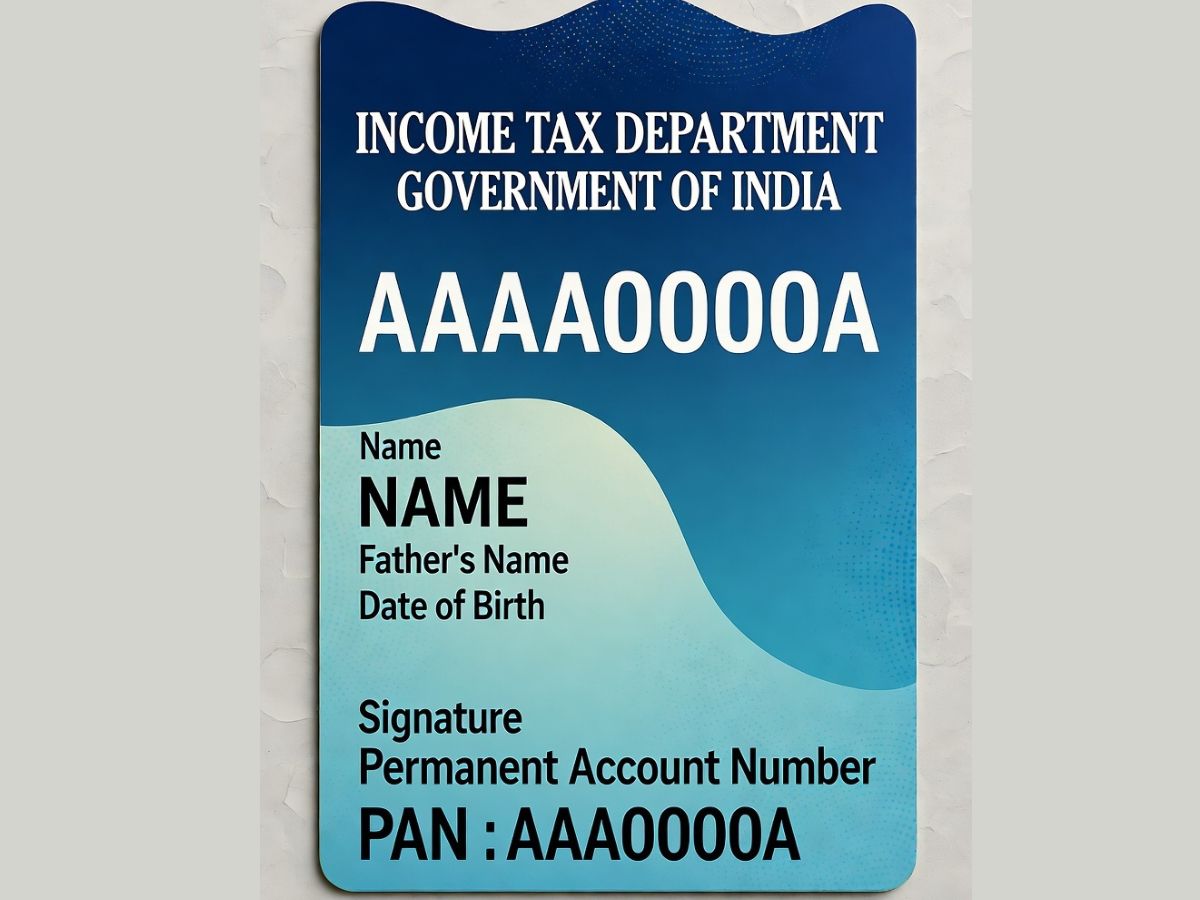
The e-PAN is a computerized form of the PAN card, officially provided by the Indian Income Tax Department. It works exactly like a physical PAN card and can be used to file income tax returns, open bank accounts or Demat accounts, and obtain loans or credit cards. The e-PAN is sent in the form of a PDF file that is password-protected and digitally signed. The password to open is your date of birth in the form of DDMMYYYY. Filling an application for an e-PAN is quick, safe, and totally free.
What is a PAN Card?
An e-PAN Card, or Permanent Account Number card, is an alphanumeric ten-character identity provided by the Income Tax Department of India. It is an important card for individuals and institutions that are engaged in financial transactions. The PAN number, which is unique to every holder, is associated with all taxing activities of the person, and thus applying taxes, opening accounts, and other key financial transactions require it.
What is an e-PAN Card?
e-PAN card is an electronic version of the normal PAN card. It has all the necessary information such as PAN number, name, date of birth, and photo. The e-PAN is dispatched in PDF format and can be used for all official purposes wherever a PAN card is mandatorily needed. It is legally valid just like the physical card and can be utilized for online transactions, verification, and documentation.
Who is Eligible for an Instant e-PAN?
To apply for an instant e-PAN, applicants must meet these criteria:
Only individual applicants are allowed; companies, firms, and associations cannot apply.
The applicant must not already possess a PAN card.
A valid Aadhaar card is mandatory.
The Aadhaar should be linked with the applicant’s mobile number.
The mobile number must be active for OTP verification.
How to Download e-PAN Online
It is easy to get an e-PAN online. The Income Tax Department, in association with NSDL (now Protean) and UTIITSL, offers several methods to download it through Aadhaar, PAN number, or acknowledgement number. Here’s how:
Download e-PAN through NSDL Portal
Go to the NSDL website https://www.pan.utiitsl.com/PAN_ONLINE/ePANCardHome and choose ‘Download e-PAN Card’.
- Provide your 15-digit acknowledgement number.
- Enter the captcha and choose ‘Submit’.
- Click on ‘Generate OTP’. An OTP will be sent to your registered email/mobile.
- Enter OTP and click ‘Validate’.
- Click ‘Download PDF’ to download your e-PAN.
- Use your date of birth (DDMMYYYY) as the password to download the PDF.
- Download e-PAN through UTIITSL Portal
- Go to the UTIITSL e-PAN download page.
- Enter information such as PAN, date of birth, GSTIN (if required), and the security code. Click ‘Submit’.
- Verify your registered mobile number and email address, check the declaration, and enter the OTP.
- If your PAN has been issued over a month back, pay Rs. 8.26 online.
- After verification, download your e-PAN immediately in PDF form.
- Download e-PAN through IT Department Portal
- Visit the official Income Tax site and search for ‘e-PAN card’.
- Click on ‘e-PAN (beta version)’ followed by ‘Check Instant e-PAN Status’.
- Provide your acknowledgement number and captcha, then click ‘Submit’.
- Finish the OTP verification.
- Download your e-PAN PDF.
- Download e-PAN Using PAN Number
- On NSDL: Click ‘Download e-PAN (for PAN allotted older than 30 days)’.
- On UTIITSL: Go to ‘PAN Card Services’ → ‘Download e-PAN’.
- Enter your PAN and other mandatory information.
- Validate using OTP.
- Open the downloaded PDF with your date of birth as the password.
e-PAN card facilitates easy access to your PAN, conveniently and securely. Thanks to the various download facilities provided by NSDL, UTIITSL, and the portal of the IT Department, you can obtain a digitally signed PAN card instantly for all official and financial needs without having to go to any office.