
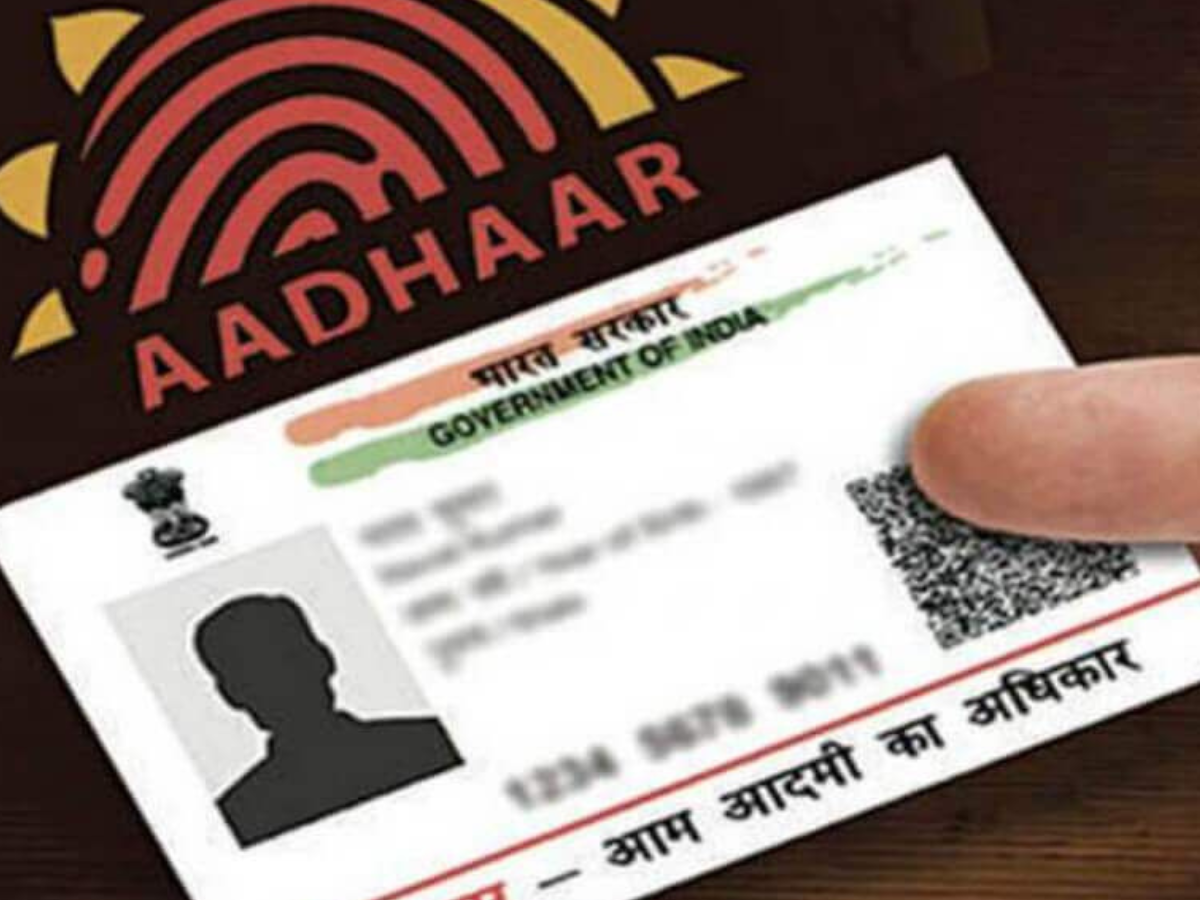
The Aadhaar card holds a 12-digit unique identification number provided to each and every citizen of India by the Unique Identification Authority of India, also called UIDAI. The Aadhaar card is proof of identity and proof of address of a citizen nationwide. Associated with biometric data (fingerprints and face scans) and demographic data, it facilitates access to government services, subsidies, bank accounts, and much more. It works as a digital identity with no age limit, starting from newborns, and makes it convenient for everyone without the need to carry numerous documents.
The Aadhaar card is widely used in India for:
- 1. Bank Accounts
- 2. Government Yojanas
- 3. Filing taxes
- 4. Verification
- 5. Further investigation related to our permanent address
Also Read: Where to Invest: Experts Pick 10 Stocks to Watch Today
How to Update Your Mobile Number on an Aadhaar Card
Update your mobile number through the Aadhaar Seva Kendra (ASCs), which is available in each and every district and small village, since online update of mobile number is not permitted due to security purposes. Need to follow these steps:
Step 1: Find the nearest Aadhaar Seva Kendra in your city (ASC).
Search on Google for the Aadhar UIDAI website: https://uidai.gov.in
Use the “Locate the Aadhaar Seva Kendra” to identify the center that is nearest to your city or town, which will make your life easier.
Step 2: Book an Appointment (Optional)
Some of the centers provide online appointments in order to prevent long waiting lines.
Choose your date and time of preference.
Step 3: Go to the Center with Necessary Documents
Take your original Aadhaar card or enrollment slip, which was given to you previously by Aadhar Seva Kendra.
Take a valid photo ID proof (e.g., PAN card, passport, or voter ID).
Step 4: Complete the Update Form
At the center, ask for the Aadhaar Update/Correction form.
Give your new mobile number along with other information such as your name and your permanent address.
Step 5: Biometric Authentication
You will have to verify your identity through fingerprints or iris scan.
Step 6: Pay the Update Fee
A small amount (approximately ₹50) is charged as an update fee for the mobile number.
Pay through cash, card, or digital payment according to center facilities.
Step 7: Receive an Updated Document
Once submitted, you will receive a final slip of your aadhar card which contains your URN. This slip will be used to monitor the updated status of your Aadhar card.
Step 8: Confirmation and Verification
The update of the mobile number typically takes not more than a week. Then you got an SMS on your linked mobile number about the confirmation of the update.
Also Read: Will Bihar’s Voter List Survive Till Polls? SC Issues Stark Warning