
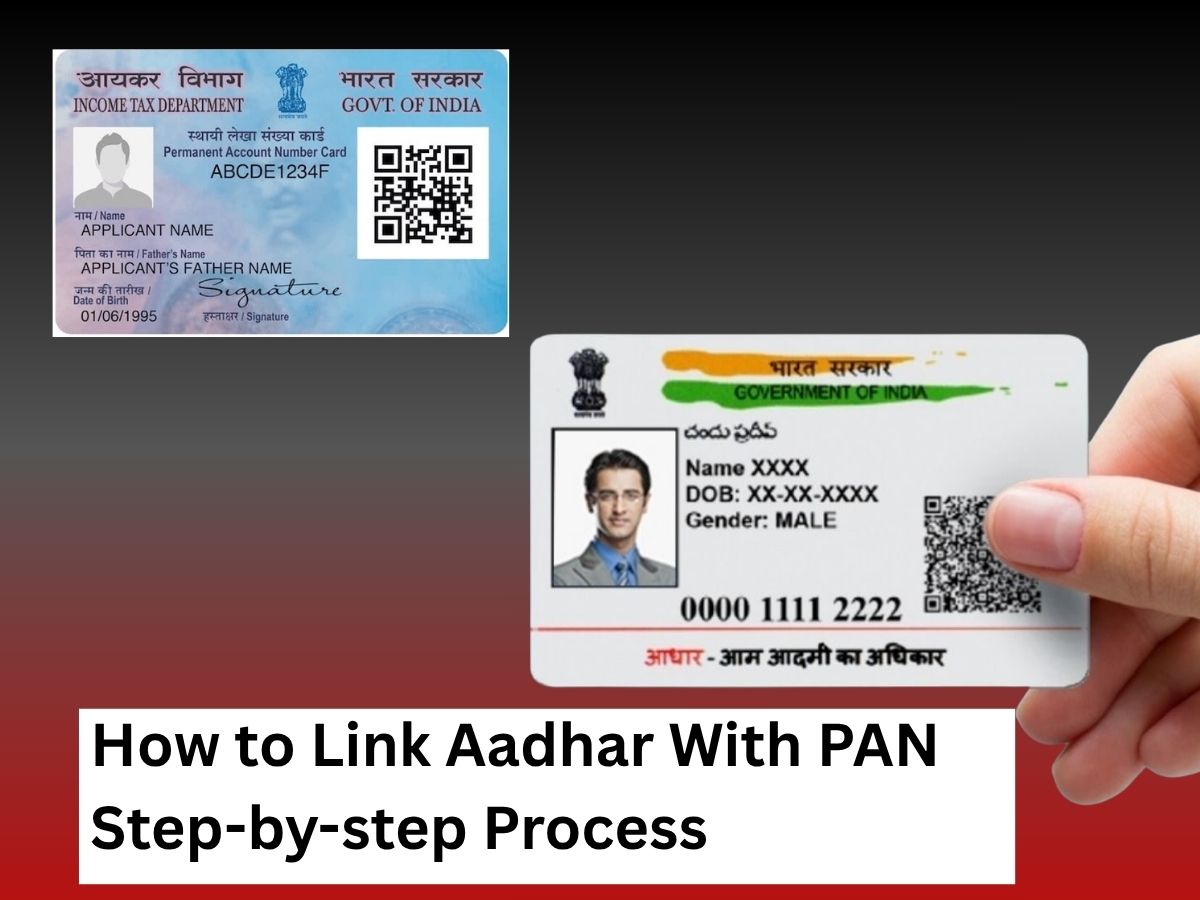
Linking your Aadhaar card with your Permanent Account Number (PAN) is a mandatory step required by the Income Tax Department of India to focus on tax processing and prevent misuse of PAN cards. The process is simple and can be completed online in a few minutes.
Link Aadhar With Pan
Here’s a detailed guide explaining how to link your Aadhaar with PAN:
Step 1: Visit the Official Income Tax E-Filing Portal
Go to the official Income Tax Department e-filing website at https://www.incometax.gov.in. On the homepage, locate and click the “Link Aadhaar” option found under the “Quick Links” section.
Step 2: Enter Your PAN and Aadhaar Details
On the linking page, enter your 10-digit PAN number and 12-digit Aadhaar number accurately. It is essential to ensure the spelling of your name and date of birth matches exactly as mentioned on your Aadhaar card since any mismatch can cause failures in linking.
Step 3: Fill in Your Aadhaar Name
Type your full name as per the Aadhaar card in the given field. This helps verify your identity during the linking process.
Step 4: Validate the Details
Click on the “Validate” button after entering the Aadhaar and PAN details. If your information is correct and matches the UIDAI database, you will proceed to the next step.
Step 5: Verification Using OTP
You will receive a One Time Password (OTP) on your registered mobile number linked with Aadhaar. Enter this OTP on the portal and click “Submit” or “Validate” to complete the linking request.
Step 6: Confirmation of Aadhaar-PAN Linking
Once the OTP is verified, the portal will confirm that your Aadhaar has been successfully linked with your PAN. You can also check the status of your request anytime by clicking on the “Link Aadhaar Status” tab on the same portal.
What If Linking Fails?
If the portal indicates a failure due to mismatched details, carefully verify your records on both PAN and Aadhaar. You may need to update your details via the respective correction processes before trying again.
Alternative Method: Link Aadhaar with PAN via SMS
For those preferring a simpler option, Aadhaar-PAN linking can also be done by sending an SMS in the following format to 567678 or 56161:
- UIDPAN<space><12-digit Aadhaar><space><10-digit PAN>
- Example: UIDPAN 123412341234 ABCDE1234F
You will receive a confirmation SMS upon successful linking.
Final Tips and Important Information
Linking Aadhaar and PAN is mandatory for filing income tax returns and other financial activities.
Non-linking may render your PAN inoperative from the deadline prescribed by the government.
Make sure your registered mobile number is active to receive the OTP.
By following these straightforward steps, you can ensure seamless tax compliance and avoid any disruption in financial transactions.