
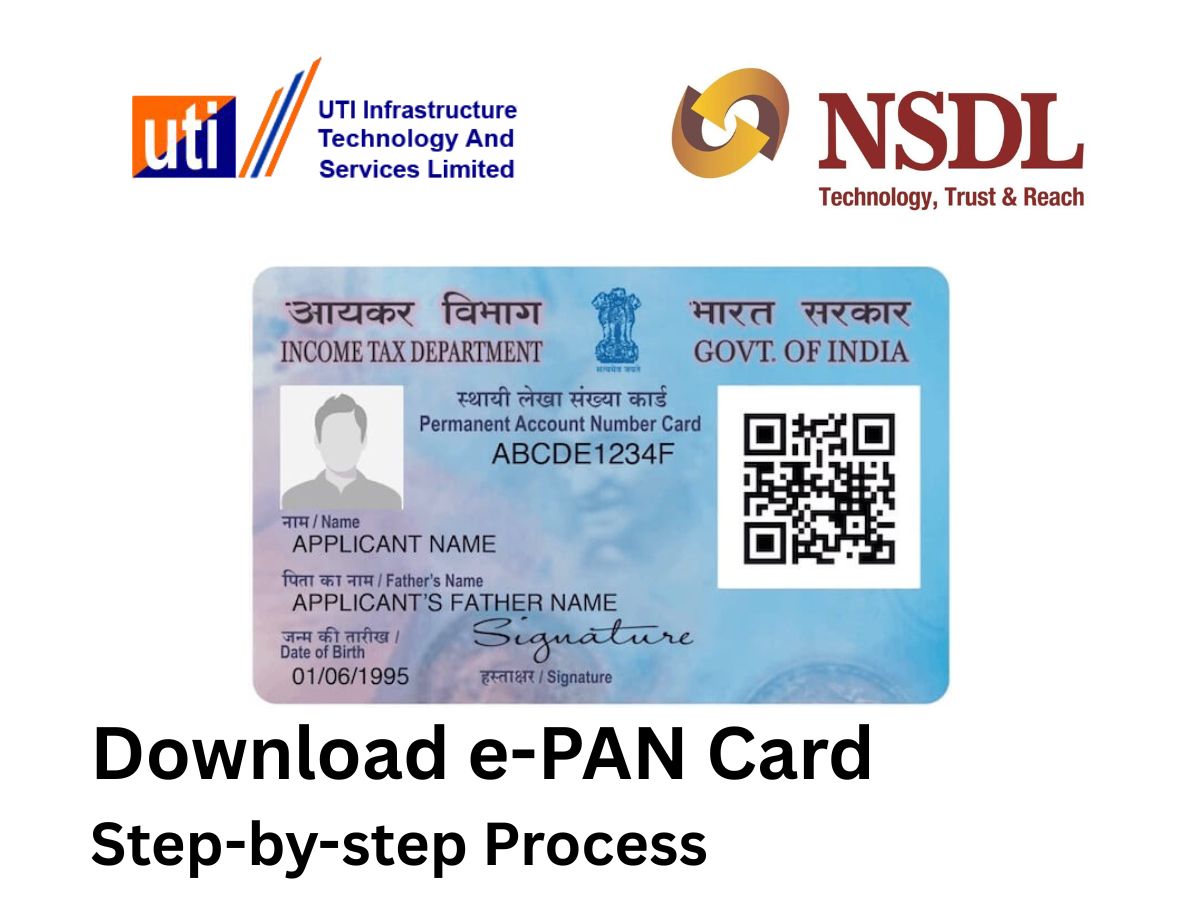
An e-PAN card is a digitally signed electronic version of the physical PAN card, which is provided by the Income Tax Department. It has the same validity as a physical PAN and can be used for all official and financial purposes. The e-PAN is provided in PDF format and can easily be obtained online. Following is a step-by-step guide to downloading an e-PAN card online through both the NSDL and UTIITSL portals.
Download e-PAN Card: From NSDL Portal
1. For PAN Allotted Within the Last 30 Days
- Go to the official NSDL (Protean eGov) PAN portal.
- Select ‘Download e-PAN Card (For PAN allotted in the last 30 days)’ under Quick Links.
- Input your acknowledgment number and CAPTCHA code, and click ‘Submit’.
- You can opt for receiving an OTP on your registered mobile number or email ID.
- Input the OTP, confirm your identity, and click on ‘Download PDF’ to obtain your e-PAN card.
2. For PAN Allotted More Than 30 Days Ago
- Visit the same NSDL portal and click on ‘Download e-PAN Card (For PAN allotted more than 30 days ago)’.
- Enter your PAN number, date of birth, and captcha details.
- Once submitted and verified with OTP, the electronic PAN card in PDF format will be downloadable.
- The PDF is password-protected and the password is your date of birth in DDMMYYYY format.
- Kindly note, free download is allowed within 30 days of issuance, post which a nominal charge (₹8.26) is levied.
Download e-PAN Card: From UTIITSL Portal
1. Steps for UTIITSL Applicants
- Go to the official UTIITSL PAN services website.
- Click on ‘Download e-PAN’ under the PAN Card services.
- Enter your PAN number, date of birth, and captcha code; submit these details.
- If your PAN card was issued or updated within the last 30 days, downloading is free; for older cards, a small fee applies.
- A download link will be sent to your registered email ID after OTP verification. Click the link and follow the instructions to save your e-PAN.
Download e-PAN Card: Additional Download Methods
- Income Tax e-Filing Portal: In case you applied for instant e-PAN on the basis of Aadhaar, go to the official e-Filing portal, choose ‘Instant e-PAN,’ enter your Aadhaar number, and follow OTP verification to download the e-PAN.
- DigiLocker: e-PAN can also be accessed via DigiLocker by linking your profile with Income Tax Department services.
Download e-PAN Card: Important Points to Note
- Use the same portal from where you initially applied for your PAN card.
- The PDF file for e-PAN is secured with your complete date of birth in DDMMYYYY format.
- There can be a fee if the download is made beyond 30 days from the date of PAN issue.
With these easy steps, you can simply access your e-PAN online and utilise it on all platforms that accept a PAN card.