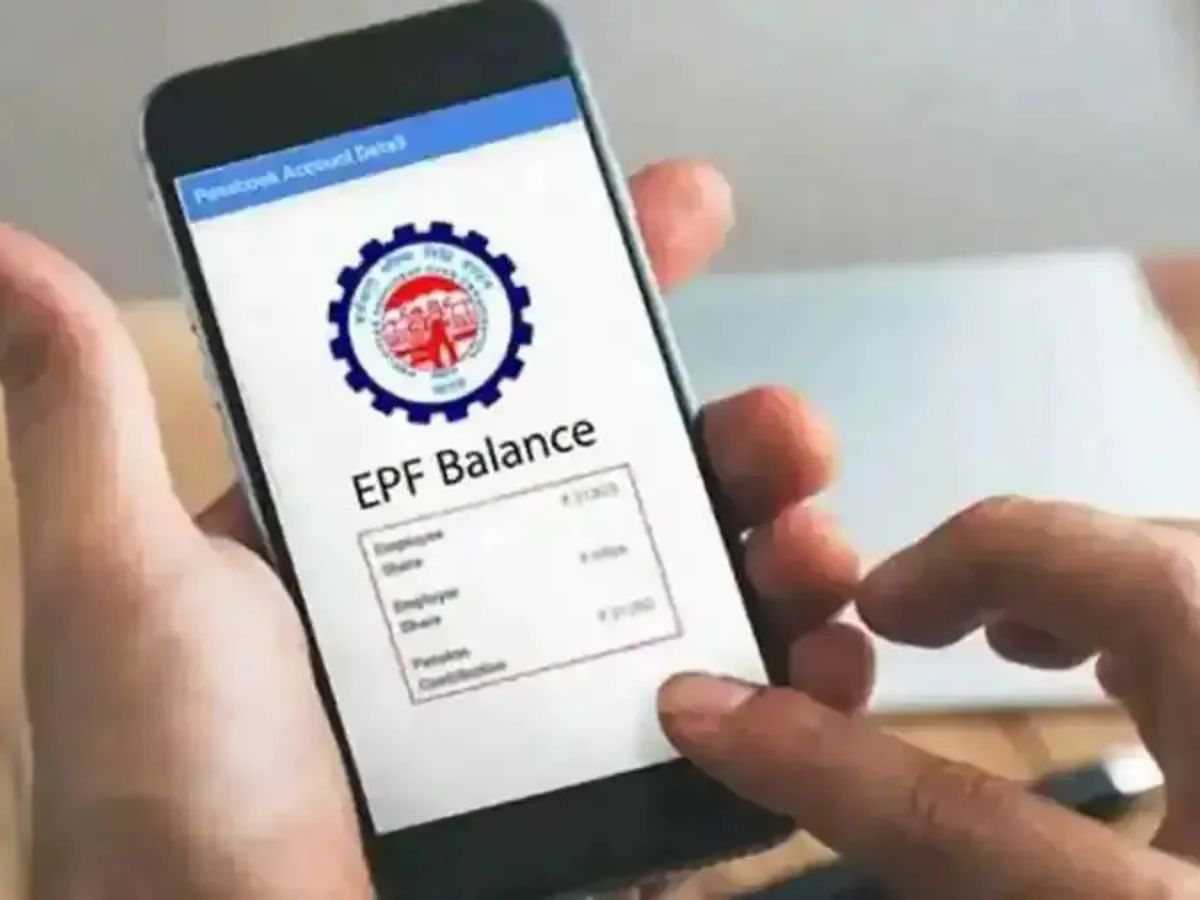
One of the best savings plans available to Indian salaried individuals is the Employees Provident Fund (EPF). Every month, both you and your employer add money to this fund. Over time, it grows into a big amount that you can use after retirement. Along with this, you also get tax benefits.
But just saving is not enough. You must also keep checking your PF balance. This helps you make sure that your employer is adding money on time and that you are getting the right interest. The best part is—you no longer need to visit an office or fill out forms. The fastest way to know your PF balance is by giving a missed call.
Check PF Balance with a Missed Call
This is the quickest and easiest method to check your balance. You don’t need the internet, a smartphone, or even an app. You only need your mobile number linked with your UAN (Universal Account Number).
ALSO READ: How to Change Your UAN Number Through EPFO Portal? | Step-By-Step Guide
Follow these steps:
Step 1: Give a missed call to 9966044425 from your registered mobile number.
Step 2: The call will cut off automatically in a few seconds.
Step 3: Soon, you will get an SMS with your PF balance details.
This service is free of cost and works within seconds.
Things you need to check before using this service:
- Your UAN must be active.
- Your UAN should be linked with Aadhaar, PAN, and your bank account.
- Your mobile number must be updated and linked with your UAN.
If all these are done, you can easily check your PF balance anytime with a simple missed call.
ALSO READ: UPI–UPU Integration: Here’s the List of Possible Benefits
Other Ways to Check PF Balance
If you don’t want to use the missed call service, there are other ways provided by the Employees’ Provident Fund Organisation (EPFO).
1. PF Balance Check via SMS
You can send an SMS to 7738299899 in this format:
EPFOHO UAN ENG
Here, “ENG” means English. If you want the message in another language, like Hindi, Marathi, Tamil, etc., just change the last three letters. For example, “HIN” for Hindi, “TAM” for Tamil.
After sending the SMS, you will get your PF balance details on your phone.
ALSO READ: Sankarshan Thakur: Career, Legacy, Net Worth & Family Life
2. PF Balance Check through EPF Portal
You can also log in to the official EPFO portal and see your balance.
- Go to the EPF Member Passbook Portal.
- Enter your UAN and password to log in.
- Enter the OTP sent to your Aadhaar-linked mobile.
Your PF balance will be shown on the screen.
3. PF Balance Check using UMANG App
If you use a smartphone, the UMANG app is a very useful option. You can check your balance, file claims, and even track withdrawals.
Steps to use the UMANG app:
- Download and install the UMANG app.
- Go to Services → Social Security → EPFO.
- Select View Passbook.
- Enter your UAN and OTP to log in.
Your passbook with all deposits and withdrawals will appear on the screen.
ALSO READ: 8th Pay Commission: Possible DA Hike | Latest News Updates
For Employees in Exempted Establishments
Some companies manage PF through their own private trust instead of the EPFO. If you work in such a company, you cannot check your balance on the EPFO portal. In this case, you can:
- Check your salary slip.
- Log in to your company’s employee portal.
- Contact your HR department.
Why It’s Important to Check PF Balance?
Checking your PF balance is not only about knowing how much money you have. It helps you in many ways:
- You can track your monthly contributions.
- You can confirm if your employer is depositing on time.
- You can keep a record of interest, withdrawals, and loans.
- You can plan better for emergencies and retirement.
- Regular balance checks give you full control over your savings and help you stay stress-free about your financial future.
ALSO READ: Nepal Protests: UP on High Alert, Yogi Adityanath Deploys Extra Forces, Helplines Launched